Template-Specific Editor
Complete the form fields provided for the selected design; available options vary by template.
Browse birthday countdown, love-letter, and New Year templates. Add the fields supported by your chosen design, then publish a shareable card link.
The current collection includes three birthday countdown designs, one love-letter card, and one New Year countdown card. More templates are planned for future updates.
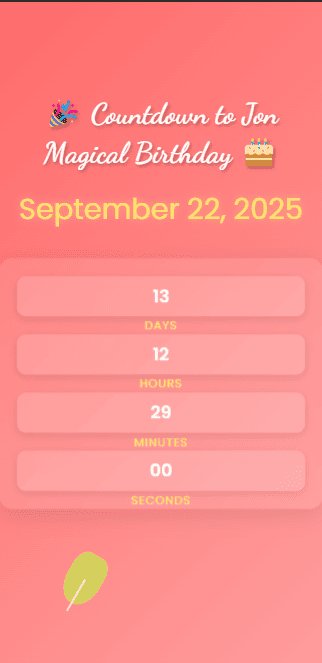
A birthday countdown card for a birthday reveal.
Customize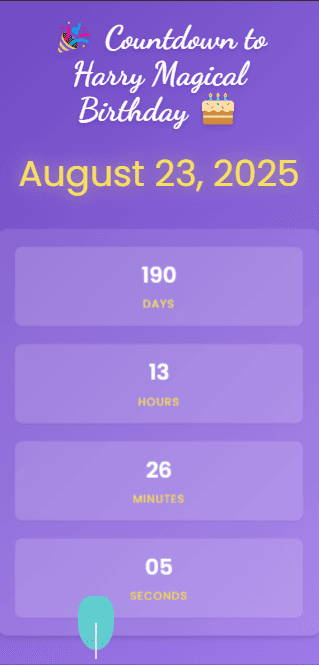
A text-first design for birthday wishes and countdowns.
Customize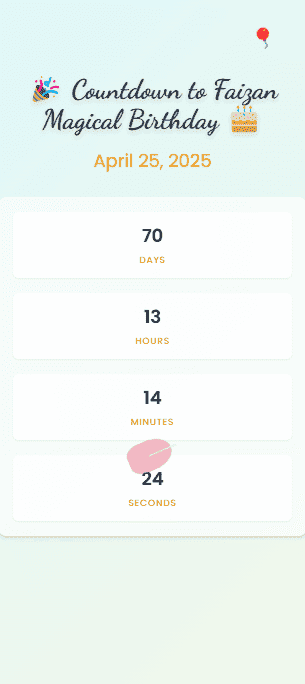
A birthday countdown card for sharing birthday wishes.
Customize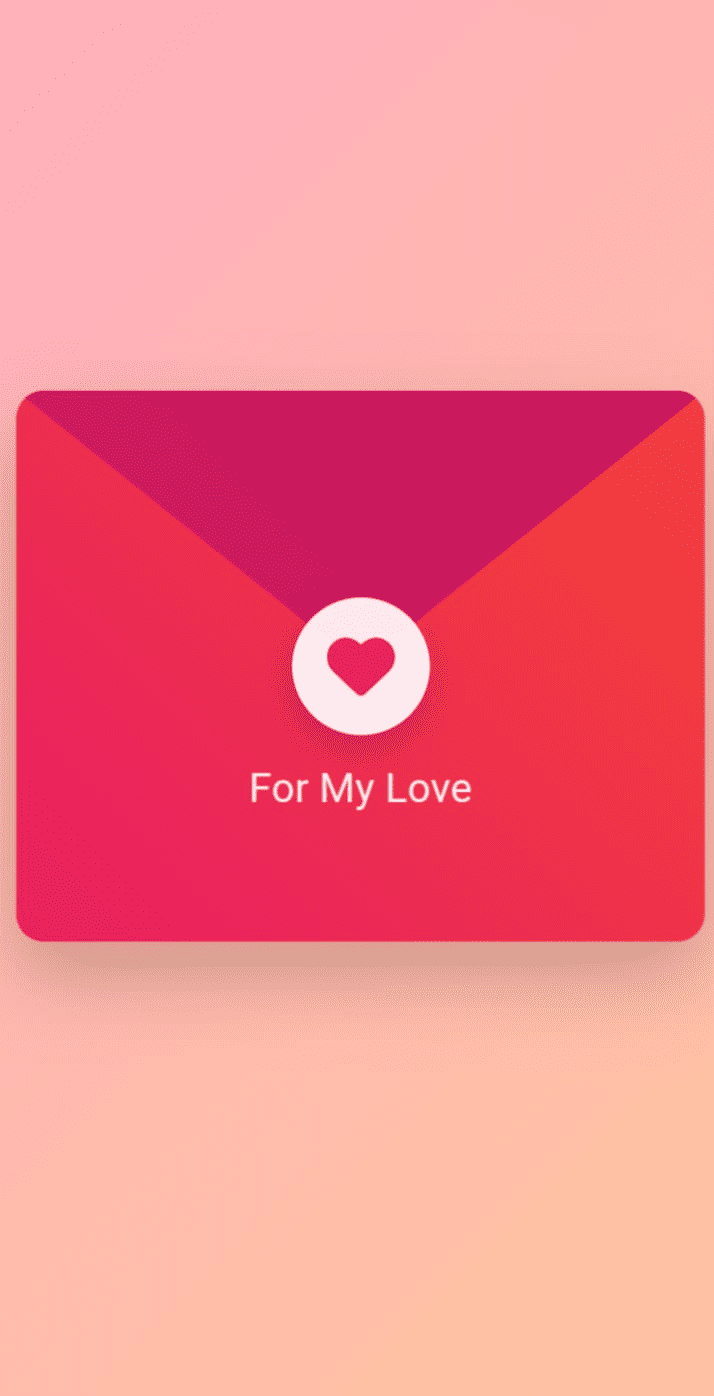
A heartfelt digital letter card for romantic messages and special moments.
Customize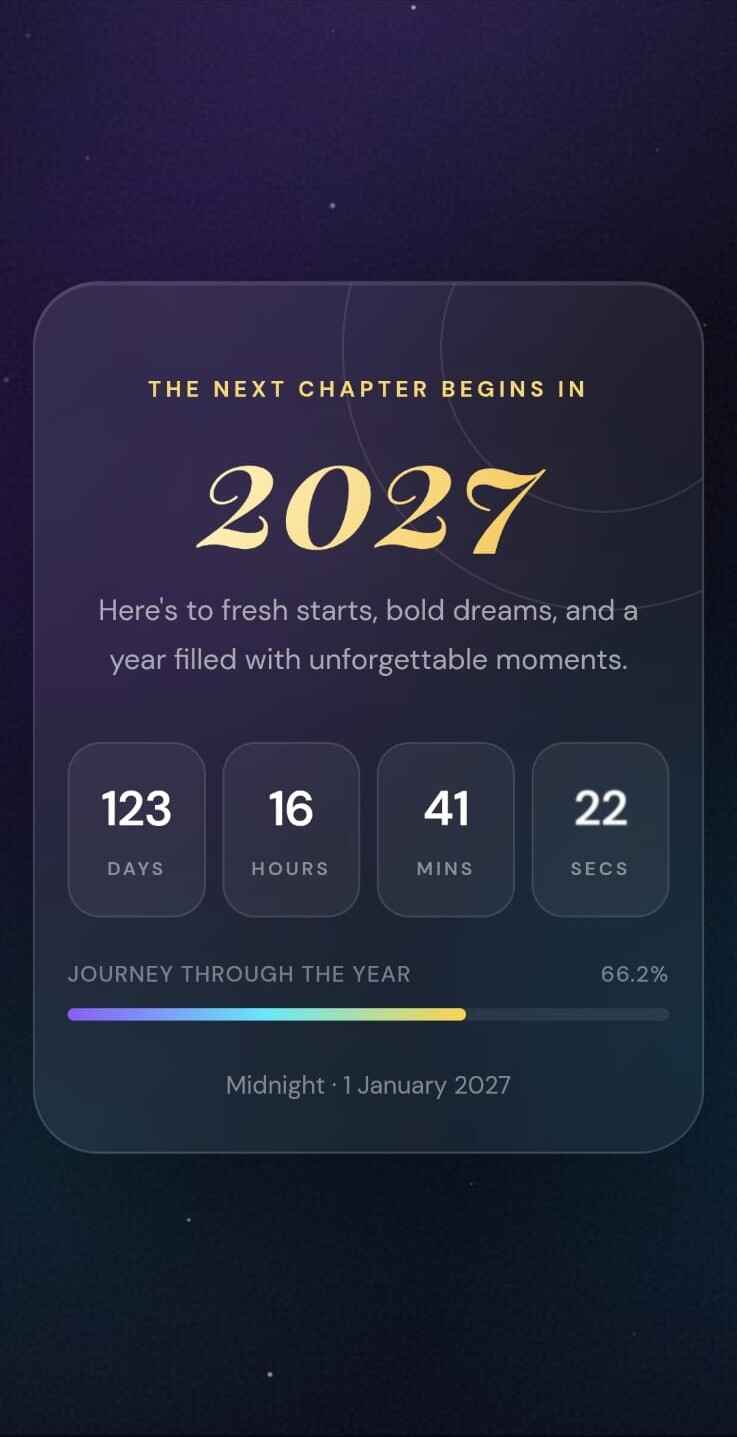
A celebratory countdown card for welcoming a new year together.
CustomizeBrowse the current collection and open a birthday, love-letter, or New Year design.
Use the form for the selected template to add messages, dates, names, photos, fonts, or background music where supported.
Publish the card to create a unique link, then copy it or use the available sharing options.
The available templates provide focused fields for creating and sharing digital cards.
Complete the form fields provided for the selected design; available options vary by template.
Browse three birthday countdown designs, one love-letter card, and one New Year countdown card. More templates are planned.
The current card-creation workflow provides the listed templates without a payment step.
Publishing creates a unique card link that you can copy or send through available share options.
Depending on the design, add photos, background music, a font, names, dates, messages, or a signature.
Create and view the card pages in a responsive browser layout on phones, tablets, and desktop computers.
Answers about the current templates, editor fields, publishing flow, and shareable card links.
WishCraftHub currently provides its listed templates without a paid checkout. Create an account or sign in to personalize, save, and publish a card.
Choose a birthday countdown card template, sign in, and add the fields supported by the selected design. When your card is ready, publish it to create a shareable link.
Depending on the template, you can personalize names, messages, dates, photos, signatures, fonts, and background music.
After publishing your card, WishCraftHub gives you a unique link. Copy it or use the available sharing options, including WhatsApp, Facebook, X, or your device's share menu.
Yes. WishCraftHub works in modern web browsers on phones, tablets, laptops, and desktop computers, so you can create and share a card from the device you already use.
WishCraftHub includes templates for birthday wishes, birthday countdowns, New Year greetings, and personal love messages. Read birthday card ideas or browse the current templates to choose a design.
Create a personal digital card for a birthday, new year, or meaningful moment.
Get Started Free